How-To
PS5 Controller Drift: Why It Happens and How to Fix It
By GAMEHOUSE · Oct 3, 2026 · 5 min read
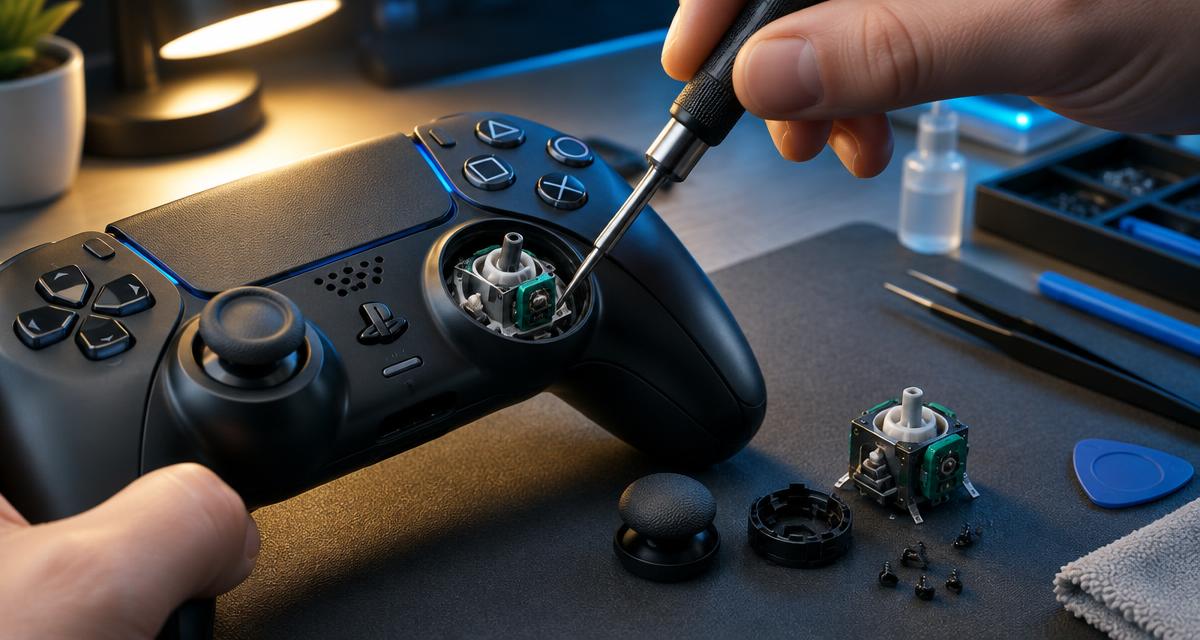
Stick drift is when your character or camera moves even though you aren't touching the analog stick. It's one of the most common controller problems.
What causes drift?
Inside each stick are small sensors that wear down over time. Dust, sweat and dirt can also get inside and confuse the sensor.
Fix 1: Reset the controller
Turn off the PS5, then press the small reset button on the back of the DualSense with a pin for about 5 seconds. Reconnect with a USB cable.
Fix 2: Update the firmware
Connect the controller by cable and check Settings > Accessories > Controllers for updates.
Fix 3: Clean around the stick
Power off, then use a dry soft brush or compressed air around the base of the stick while rotating it. Never pour liquid into the controller.
Fix 4: Adjust dead zone
Some games let you increase the stick dead zone in their settings, which hides small drift.
When to repair or replace
If drift returns after these steps, the stick module is worn out. A technician can replace it, or you can buy a new controller.
Prevention
Keep controllers away from dust, wash your hands before long sessions, and store them on a shelf rather than the floor.